


Started in April 2021, the Observational Products for End-Users from Remote Sensing Analysis (OPERA) project at the Jet Propulsion Laboratory collects data from satellite radar and optical instruments to generate six product suites:
a near-global Surface Water Extent product suite
a near-global Surface Disturbance product suite
a near-global Radiometric Terrain Corrected product
a North America Coregistered Single Look complex product suite
a North America Displacement product suite
a North America Vertical Land Motion product suite
This notebook demonstrates how to search and visualize NASA OPERA DSWx data products interactively using the leafmap Python package.
# %pip install -U "leafmap[maplibre]" earthaccessimport leafmap.maplibregl as leafmapTo download and access the data, you will need to create an Earthdata login. You can register for an account at urs
leafmap.nasa_data_login()m = leafmap.Map(
center=[-114.6581, 36.1711], zoom=10, sidebar_visible=True, sidebar_width=460, add_sidebar=True
)
m.add_basemap("Satellite")
m.add("NASA_OPERA")
m.add_draw_control()
mPan and zoom to your area of interest. Select a dataset from the Short Name dropdown list. Click the “Search” button to load the available datasets for the region. The footprints of the datasets will be displayed on the map. Click on a footprint to display the metadata of the dataset.
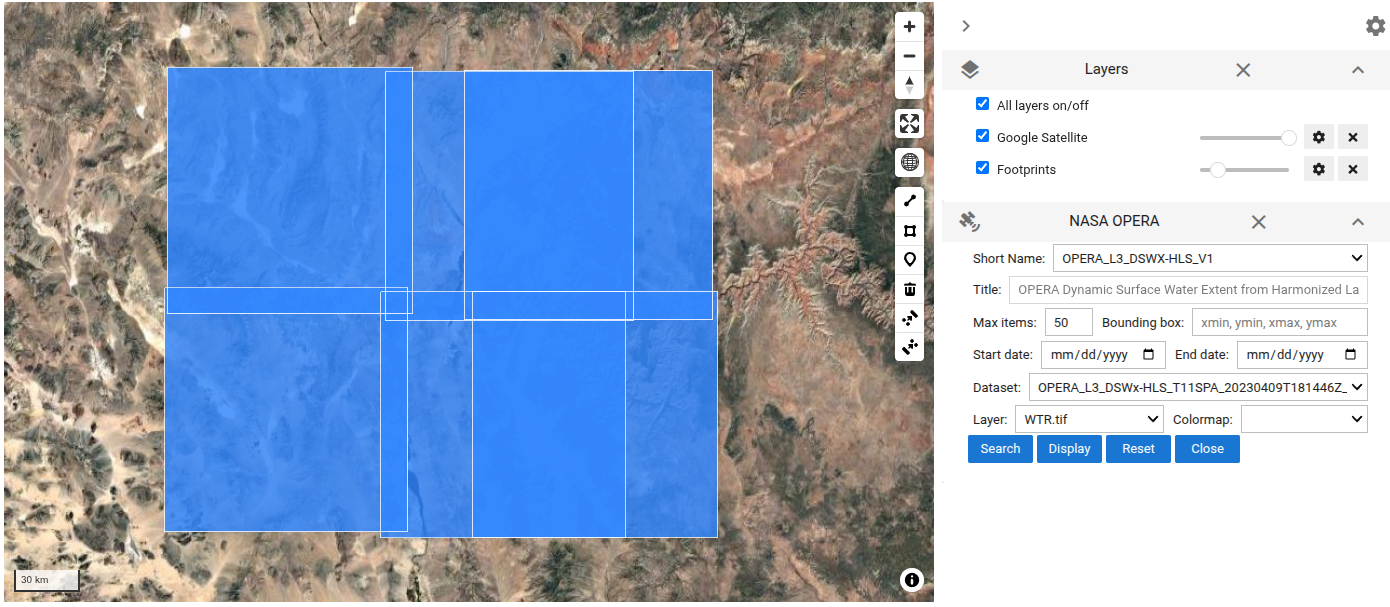
The footprints of the datasets can be accessed as a GeoPandas GeoDataFrame:
m._NASA_DATA_GDF.head()Select a dataset from the Dataset dropdown list. Then, select a layer from the Layer dropdown list. Choose a appropriate colormap, then click on the “Display” button to display the selected layer on the map.
The water classification layer:
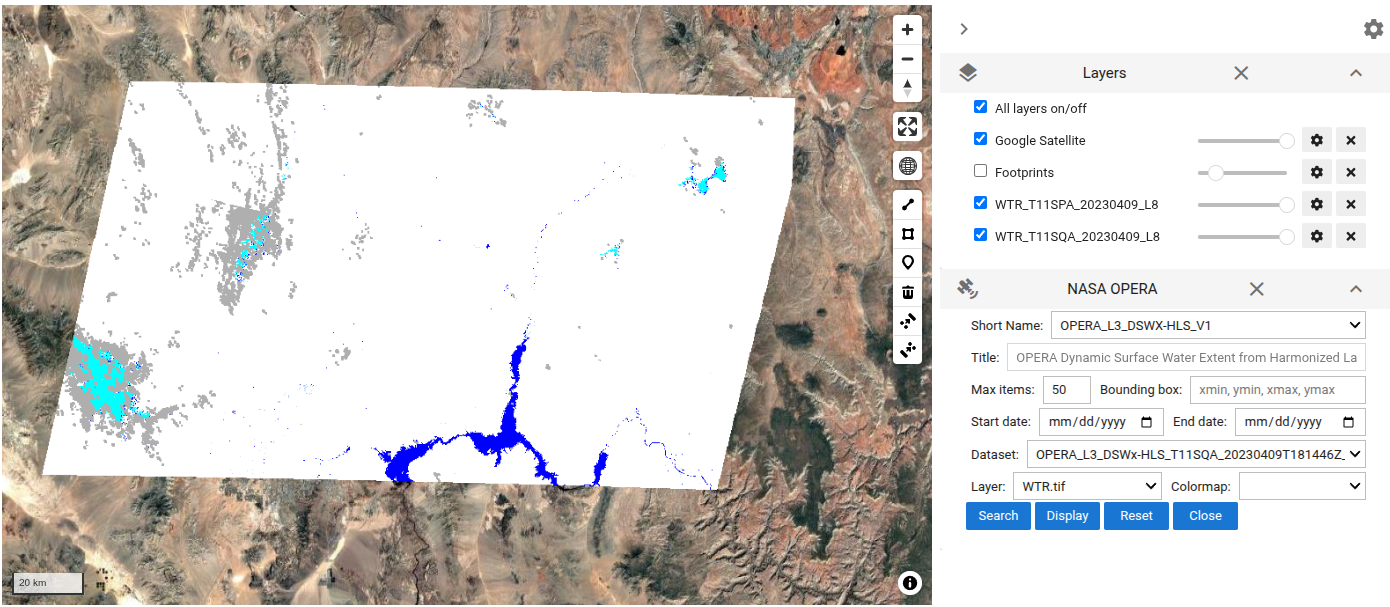
The selected layer added to the map can be accessed as a xarray Dataset:
m._NASA_DATA_DSTo save the displayed layer as a GeoTIFF file:
m._NASA_DATA_DS.rio.to_raster("DSWx.tif")To download all the available datasets for the region:
leafmap.nasa_data_download(
    m._NASA_DATA_RESULTS[:1], out_dir="data", keywords=["_WTR.tif"]
)